
Download FastStone Capture – Free Screen Capture & Recorder for Windows
Why FastStone Capture Stands Out in Screen Capture Software
FastStone Capture is a versatile and user-friendly screen capturing tool designed for Windows users who need reliable, fast, and efficient ways to capture on-screen content. Whether you're creating step-by-step tutorials, documenting software bugs, or sharing quick visual guides, this software delivers a seamless experience. One of its standout features is the intuitive capture panel, which provides instant access to all major functions—full-screen capture, window capture, region selection, and screen recording. The panel is customizable and can be triggered with a hotkey, allowing for lightning-fast access without interrupting your workflow.
What sets FastStone Capture apart from basic tools like the built-in Snipping Tool is its comprehensive feature set. It doesn’t just stop at capturing—it includes a lightweight yet effective image editor and video recording capabilities. You can annotate screenshots with arrows, shapes, text, and highlights, making it ideal for educators, content creators, and technical support teams. The software also supports automatic saving with customizable file naming and folder paths, ensuring your captures are organized from the start. With a 30-day free trial, users can explore all functionalities without any commitment, making it easy to assess whether it fits their needs.
FastStone Capture is particularly praised for its minimal system impact. Unlike heavier screen recording tools, it runs smoothly even on older or low-end machines. This makes it a reliable choice for users who prioritize performance and efficiency. The software is also secure—downloaded directly from the official FastStone website, which has a clean interface and no bundled ads or malware. For those seeking a free, safe, and functional screen capture solution for Windows, FastStone Capture is a top contender.
Key Features and Tools You Can’t Miss
FastStone Capture is packed with features that make it a complete solution for screen capture and basic editing. Its core functionality includes capturing full screens, specific windows, or custom regions with a single click or keyboard shortcut. The screen recording mode supports both audio and video capture, enabling you to record tutorials, webinars, or gameplay with ease. What’s more, the recording can be paused and resumed, which is a handy feature for long sessions.
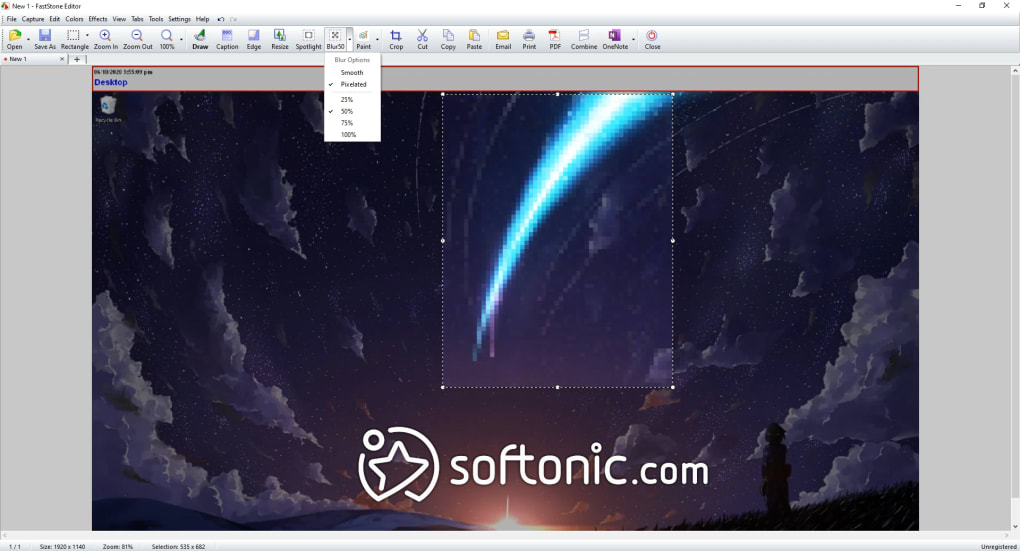
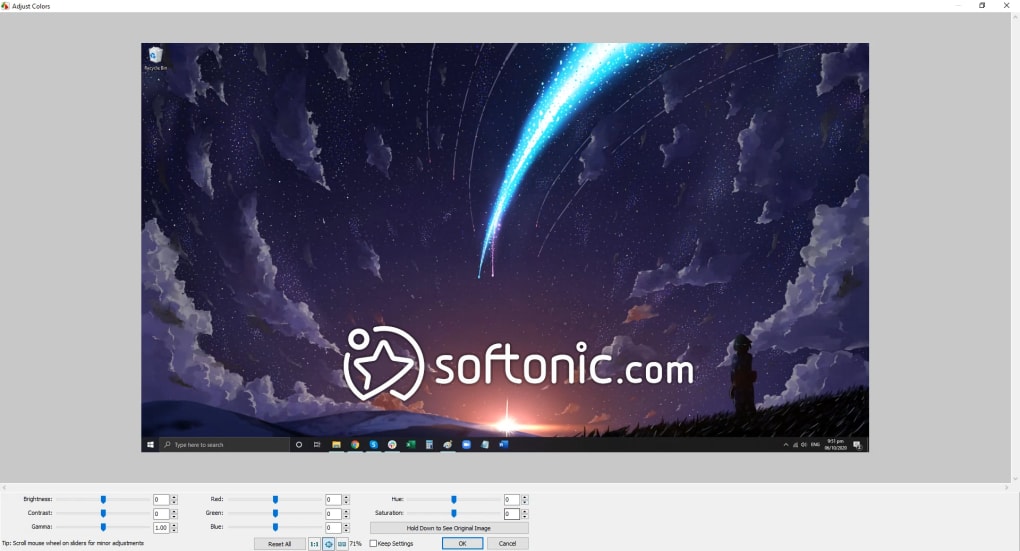
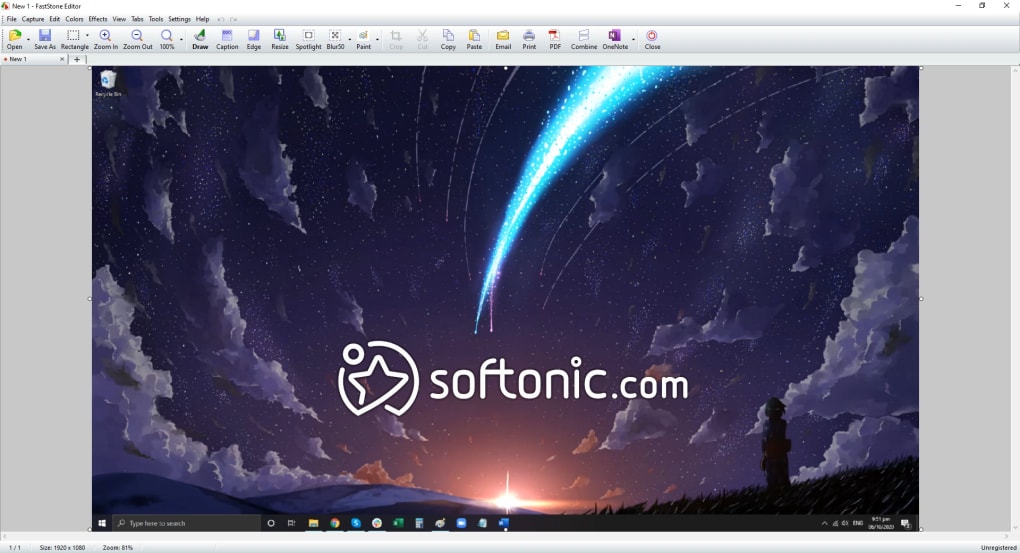
Once you’ve captured your screen, the integrated image editor lets you enhance your visuals. You can crop, resize, rotate, and apply filters to your screenshots. Drawing tools allow you to highlight important areas with arrows, rectangles, or freehand lines. Text annotations are also supported, making it simple to add captions or instructions. For users who need to share content across platforms, FastStone Capture supports multiple export formats, including PNG, JPEG, BMP, and GIF—ideal for web use or social media.
Another notable feature is the ability to convert screenshots into animated GIFs directly within the app. This is perfect for creating short, looping tutorials or memes. The software also includes customizable hotkeys, allowing you to assign specific actions—like capturing a region or starting a recording—to your preferred keyboard shortcuts. This level of customization boosts productivity and ensures that you can work at your own pace without switching between tools. With such a robust set of features, FastStone Capture truly delivers on its promise of being a one-stop solution for screen capture and editing.
Installation, Usage, and Compatibility Details
Installing FastStone Capture is straightforward and takes just a few minutes. Visit the official FastStone website, download the installer for Windows, and run it. The setup wizard guides you through the process with minimal options, ensuring a quick and clean installation. Once installed, the application launches with a small capture panel that stays accessible in the system tray. You can pin it to the taskbar or assign a hotkey to open it instantly.
Using FastStone Capture is intuitive. Click the capture panel, choose your capture type—full screen, window, or region—and click “Capture.” For screen recording, select “Record” and choose whether to include system audio or microphone input. The recording starts immediately, and you can stop it with a simple click or keyboard shortcut. After capturing, you can immediately edit the image or video using the built-in tools. The software supports drag-and-drop functionality, so you can easily import files or share them via email or cloud storage.
FastStone Capture is compatible with all major Windows operating systems, including Windows 10, Windows 11, and Windows 8.1. It’s optimized for both 32-bit and 64-bit systems and runs efficiently on machines with limited RAM or older processors. However, it’s important to note that FastStone Capture is currently only available for Windows. Mac users will need to explore alternatives like Snagit or ScreenFlow. Despite this limitation, the software remains a top choice for Windows-based screen capture needs due to its reliability, speed, and feature-rich interface.
Pros, Cons, and Real-World Use Cases
- Pros:
- Free 30-day trial with full access to all features
- Lightweight and fast performance
- Intuitive interface with customizable hotkeys
- Integrated image editor with annotation tools
- Supports multiple export formats (PNG, JPEG, GIF, BMP)
- Secure download from official website
- Cons:
- Only available for Windows (no Mac or Linux support)
- Video export limited to WMV format (no MP4 or MOV)
- Limited video editing tools (no trimming, splitting, or transitions)
- Outdated UI design compared to modern apps
- No built-in video editing—requires external software
FastStone Capture shines in scenarios where quick, reliable screen captures are needed. Teachers can use it to create visual guides for students. IT support teams can record troubleshooting steps for internal documentation. Content creators can capture gameplay or software demos for YouTube. However, users who need advanced video editing—like cutting clips, adding music, or applying transitions—will need to pair FastStone Capture with a dedicated video editor like Adobe Premiere or DaVinci Resolve.
Frequently Asked Questions (FAQ)
Is FastStone Capture free to download?
Yes, FastStone Capture offers a 30-day free trial with full access to all features. After the trial, you can purchase a lifetime license or a family license for up to 5 devices.
Can I use FastStone Capture on Mac?
No, FastStone Capture is currently only available for Windows. Mac users should consider alternatives like Snagit or ScreenFlow.
What video formats can FastStone Capture export to?
FastStone Capture exports videos in WMV format only. For MP4 or MOV, you’ll need to use a third-party converter.
Does FastStone Capture support screen recording with audio?
Yes, you can record system audio, microphone input, or both during screen recording.
How do I get support if I encounter issues?
FastStone provides email support. While there’s no ticketing system, they offer a downloadable tutorial to help users get started.
Final Verdict: Is FastStone Capture Worth It?
FastStone Capture is an excellent choice for Windows users who need a simple, reliable, and fast screen capture and recording tool. Its combination of intuitive design, lightweight performance, and built-in editing features makes it ideal for everyday tasks. While it lacks advanced video editing and export options, its core strengths in capturing and basic editing are solid. If you're looking for a no-frills, secure, and free-to-trial software for screen capture on Windows, FastStone Capture is definitely worth downloading. For those needing more advanced features or cross-platform support, consider alternatives—but for most users, this tool delivers exactly what it promises.
Download FastStone Capture today and experience fast, secure, and hassle-free screen capturing on Windows.







